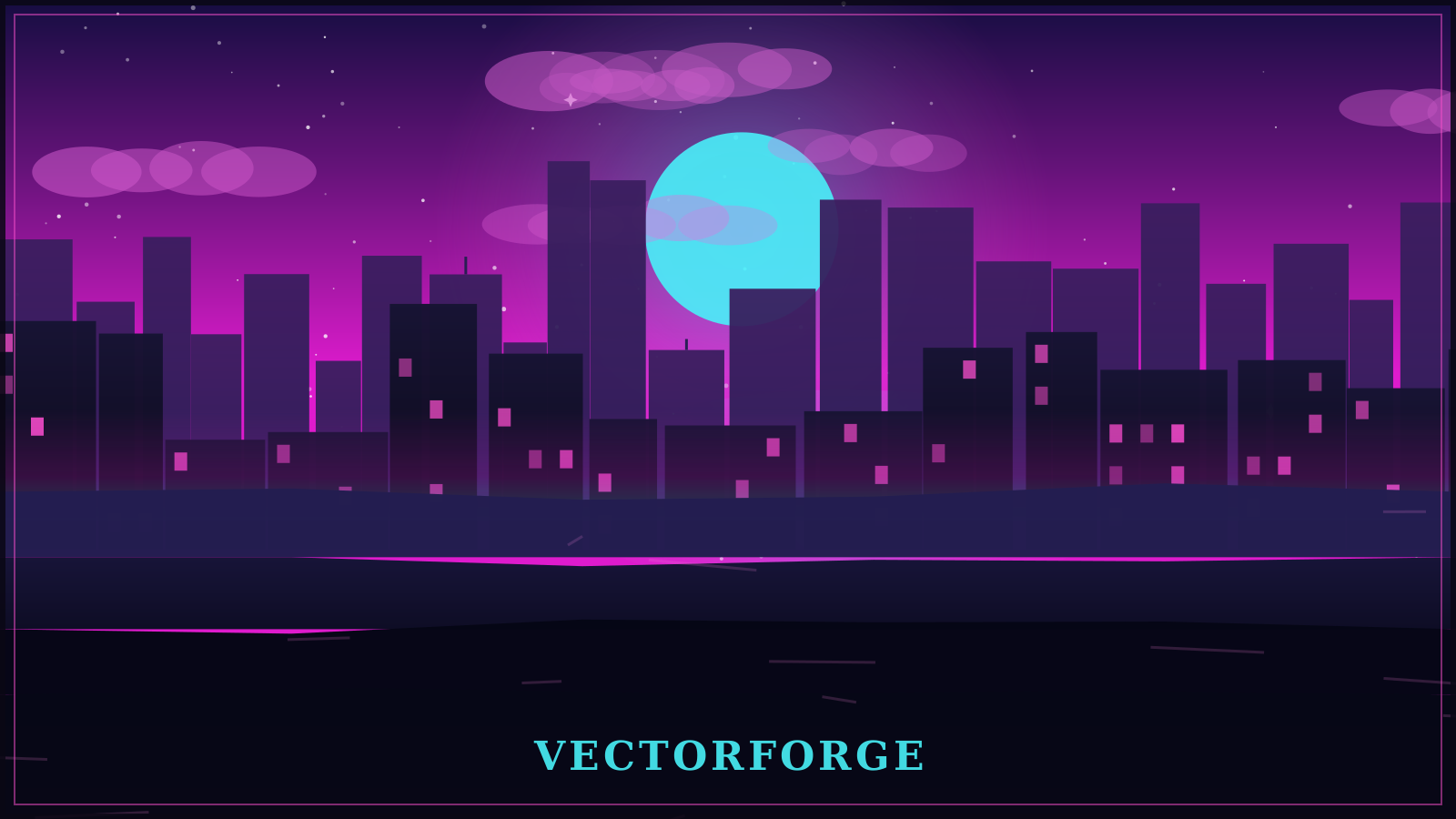
VectorForge is a local, three-panel studio: describe a scene in the chat panel and it
becomes a layered SVG drawing with a real parallax rig — then adjust it by hand, preview it, export
it, or publish a standalone page like this one. The background above is one of those scenes, drawn
by the same engine that ships with the app.
01
Chat
Describe a scene — or just rephrase the look: “warmer”, “noir”, “more contrast”, “slower”.
A local deterministic engine builds the geometry; if an API key is configured, the model writes
the brief and the same engine draws it. No key, no network: local mode is a mode, not an error.
02
Preview
Layered SVG with physical depths, pointer or scroll parallax, and a file previewer for any
downloaded SVG or VectorForge project JSON. Inspect mode outlines every layer so you can see
what actually moves.
03
Tools
Adjust colour and tone, reorder and duplicate layers, then export SVG, parallax HTML, PNG @2×,
project JSON or one SVG per layer — or publish to a live folder on the server.